Home Offices: Lighting, Acoustics & Connectivity
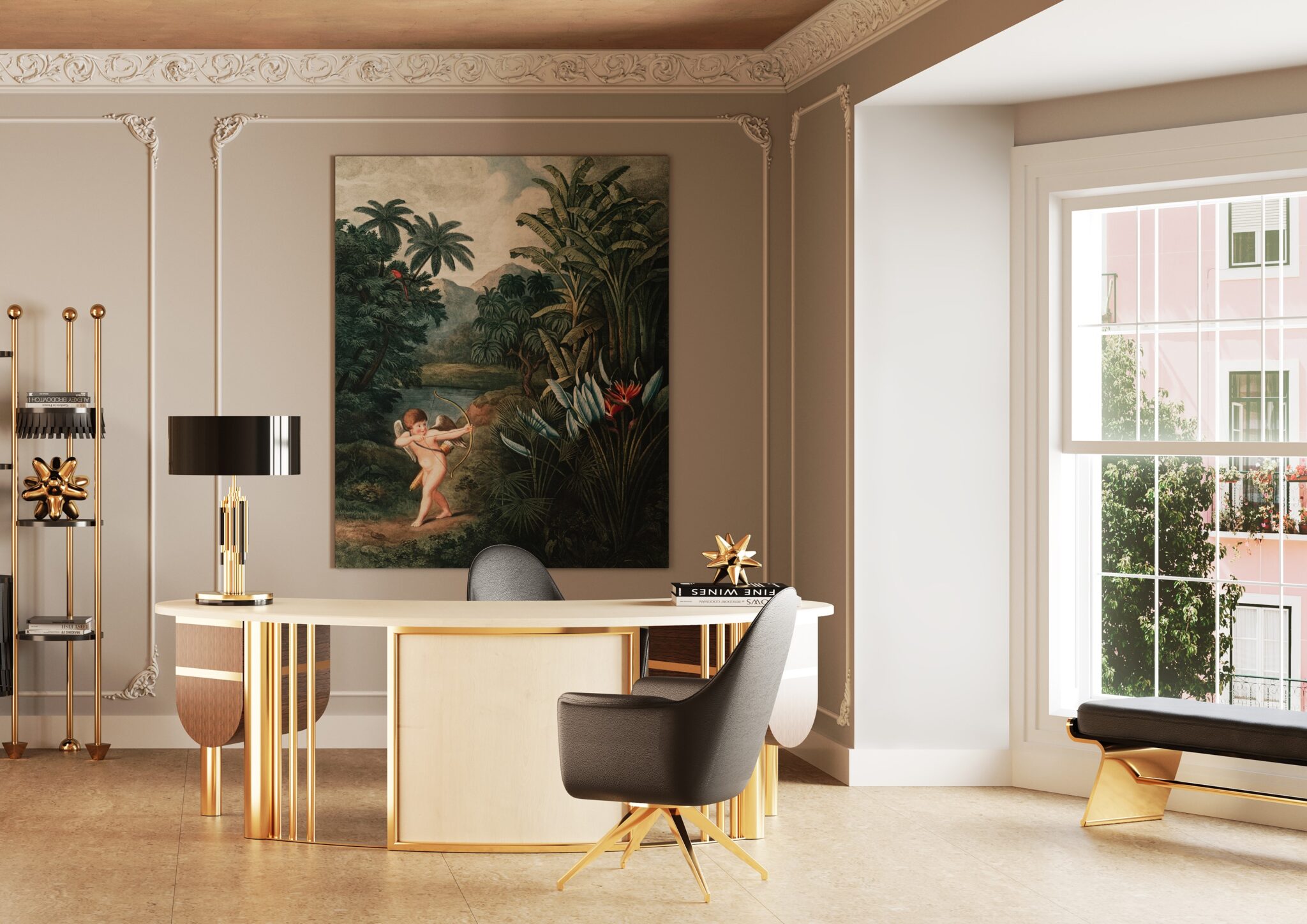
Why Home Offices Are More Than Just Desks
The home office isn’t just a desk with a chair—it’s a multifunctional workspace that impacts both daily productivity and long-term home value. Buyers, even those not working from home, evaluate offices for:
Lighting quality
Acoustic performance
Connectivity and tech readiness
Ergonomic and functional layout
An office that looks stylish but is poorly lit, noisy, or underwired is a perceived liability, not an asset.
Lighting: Balance Between Natural and Artificial
Lighting is the single most impactful element for usability:
A. Natural Light
North-facing windows: Consistent, indirect light; minimizes glare on screens
East/West exposure: Can cause harsh morning or afternoon glare
Skylights: Excellent for even lighting; inspect flashing and insulation
Buyer psychology: Natural light signals pleasant, professional workspace. Dim or poorly positioned windows lower confidence.
B. Artificial Lighting
Full-spectrum LEDs: Mimic daylight, reduce eye strain
Task lighting: Adjustable desk or wall lamps for focused work
Overhead vs directional: Avoid shadows on work surfaces
Dimming and layering: Creates comfort and flexibility
Red flag: Flickering, uneven, or insufficient lighting—buyers instantly discount usability.
Acoustics: Controlling Noise for Productivity
Noise isn’t just irritating—it reduces perceived value:
Soundproofing walls/floors: Essential if office is near living areas or high-traffic zones
Door seals: Solid-core doors prevent sound transfer
Window treatments: Double glazing or acoustic curtains for street noise
Carpet, rugs, and soft surfaces: Reduce footfall noise and echoes
Tip: Buyers often imagine video calls or quiet work; poor acoustics = red flag.
Connectivity: Power, Internet, and Tech Readiness
Electrical capacity: Multiple outlets, ideally 20A circuits for monitors, computers, printers, chargers
Internet wiring: Ethernet ports, fiber readiness, or strong Wi-Fi coverage
Cable management: Built-in channels or floor boxes prevent clutter
Backup power options: UPS or surge protection adds professional usability
Red flag: Sparse outlets, overloaded circuits, or poor connectivity can sabotage the office’s function.
Layout and Ergonomics
Desk placement: Avoid glare, allow for movement
Seating space: Chairs should fit with comfortable legroom
Storage zones: Shelving, filing cabinets, and supply storage
Flexibility: Ability to accommodate dual-use (office + craft space, homework station, or secondary workspace)
Rule: A cramped or rigid layout signals poor usability.
Climate and Comfort
Temperature control: HVAC or supplemental heaters/cooling
Humidity control: Protect electronics and paper-based materials
Airflow: Good circulation = comfort, reduces fatigue
Buyer perception: A comfortable workspace = low mental friction; an uncomfortable office = negative signal.
Buyer Psychology: What Buyers Notice
Even non-remote workers judge offices:
Lighting and glare: Poor lighting = mental discount
Noise and acoustics: Busy or echoing = lower usability score
Connectivity and outlets: Sparse or messy wiring = negative perception
Flexibility: Room must serve multiple potential functions
A professionally designed, flexible office feels like infrastructure, not a decorative afterthought.
Red Flags to Watch
Flickering or insufficient lighting
Poor acoustic separation
Inadequate outlets or connectivity
Cramped, cluttered, or inflexible layout
Poor airflow, temperature, or humidity control
Even a single major issue can reduce perceived usability; multiple issues may trigger negotiation or walk-away.
Inspection Checklist, Acoustic Testing, Lighting Audit, and Connectivity Assessment
A home office is more than style—it’s function, safety, and usability under scrutiny. Buyers or owners may evaluate it technically, even if they aren’t remote workers. Here’s how to assess it.
Lighting Inspection
Natural light:
Check number, size, and orientation of windows
Inspect skylights for leaks and insulation
Ensure north-facing exposure or even daylight coverage
Artificial light:
Test all overhead and task fixtures
Check dimmer switches and adjustable lamps
Look for flickering, uneven coverage, or shadowed areas
Red flag: Dim corners, flickering lights, or glare issues reduce usability and confidence.
Acoustic and Noise Assessment
Walls and floors: Tap test for hollow sounds; check for insulation gaps
Doors: Solid-core preferred; inspect seals and gaps
Windows: Assess street noise penetration; consider double glazing or acoustic films
Soft furnishings: Carpets, rugs, or curtains reduce echo and footfall noise
Red flag: Echo, loud footfall, or street noise makes the space less functional and can reduce buyer perception.
Connectivity and Electrical Audit
Electrical outlets: Count total outlets; test circuits for overload
Internet and network: Test Wi-Fi coverage or wired Ethernet connections
Cable management: Look for messy, tangled wires that indicate poor planning
Backup systems: Surge protectors or UPS for electronics are a plus
Red flag: Sparse outlets, poor connectivity, or messy wiring signals a low-functionality workspace.
Layout and Workflow Evaluation
Desk placement: Avoid glare and allow ergonomic positioning
Seating space: Confirm chair clearance and comfort
Storage: Shelving, filing cabinets, and supply areas should be accessible but unobtrusive
Flexibility: Room should accommodate dual-use (office + homework/craft space)
Red flag: Cramped or rigid layouts reduce perceived usability.
Climate and Comfort Check
Temperature control: HVAC functionality, supplemental heating/cooling if needed
Humidity control: Protect electronics, furniture, and paper products
Airflow: Windows, vents, or fans for circulation
Rule: Comfort directly impacts perceived usability and resale appeal.
Cost and Maintenance Considerations
Lighting upgrades: $200–$800 per room (LEDs, fixtures, dimmers)
Acoustic improvements: $500–$2,000 for insulation, panels, or door seals
Electrical upgrades: $200–$1,500 for additional outlets, circuits, or cable management
Climate control retrofits: $500–$3,000 depending on HVAC modifications or supplemental units
Predictable maintenance and cost = higher buyer confidence.
Red Flags That Trigger Negotiation or Walk-Away
Flickering, insufficient, or poorly positioned lighting
Poor acoustics or excessive sound transfer
Sparse outlets or connectivity issues
Cramped, inflexible layouts
Poor temperature, airflow, or humidity control
Even a single red flag can lower perceived value, multiple red flags may justify walking away.
Summary: Office Inspection Logic
Lighting + acoustics + connectivity = functional infrastructure
Flexible layout + ergonomic flow = usable for multiple functions
Predictable maintenance + climate control = buyer confidence
Red flags = negotiation leverage or walk-away decision
A home office is a functional asset when done right, liability when done wrong. Every buyer evaluates it subconsciously, even if they don’t work from home.